 libreAdamlibreAdam
White Noise Screen
白噪音屏
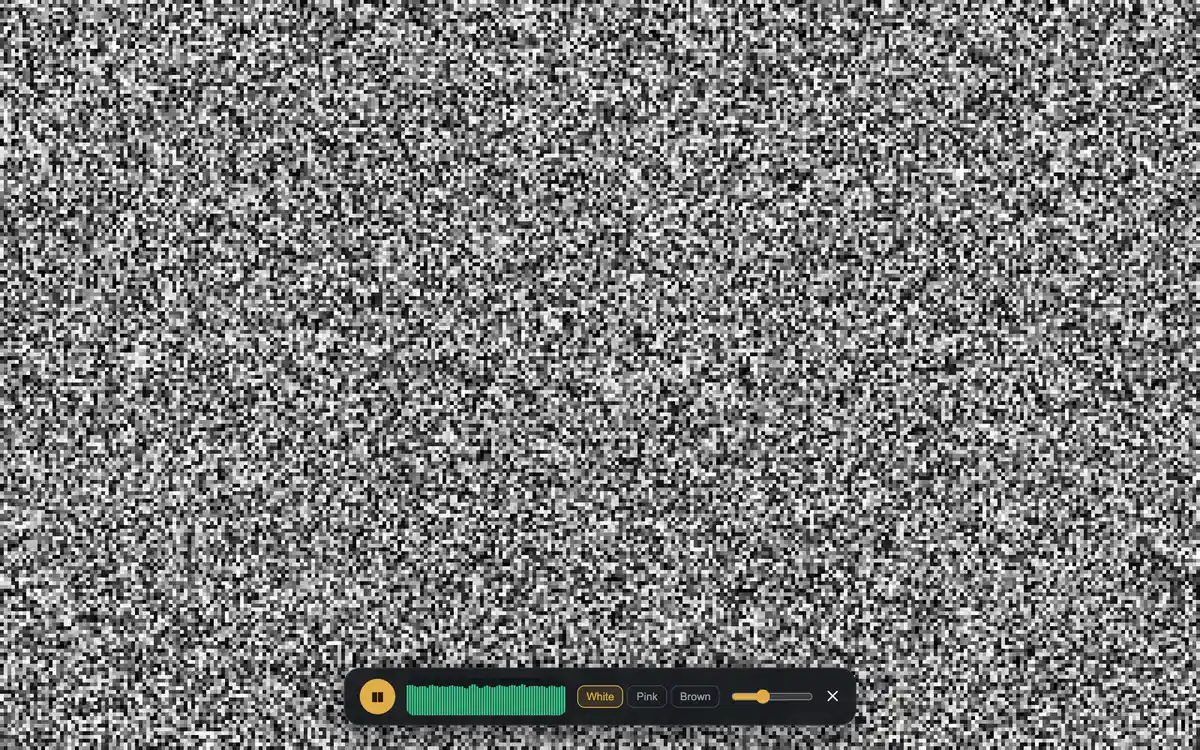
A screen full of static and a steady hiss — enough to bury an open-plan office.
Open it →What is it
The full-screen snow of an old TV with no signal, paired with genuine white noise — or swap the picture for a broadcast SMPTE color-bar test card. Switch freely between four sounds: white (harshest, best at masking voices), pink (softer, good for focus), brown (deep, good for getting someone to sleep) and a 1kHz test tone (the one that comes with the bars). The sound is synthesized live in the browser with Web Audio — not a looping audio clip. Includes a sleep timer and a spectrum bar, and you can keep the sound while dropping the picture.
Highlights
- White / pink / brown noise plus a 1kHz test tone, synthesized live with Web Audio
- Two dead-signal pictures: static (tinted to match the noise) and an SMPTE color-bar card
- Sleep timer at 15/30/60/120 minutes + live spectrum bar
- Switch to a black “sound only” mode; space bar pauses
How to use
- The page opens to full-screen static and white noise; if there is no sound, open the settings panel with the gear in the bottom-right corner and press Go fullscreen, which gives the browser the tap it needs to start audio.
- In the panel, choose white, pink or brown noise or the 1 kHz test tone, and set the volume (35% by default).
- Choose the picture: TV static, SMPTE color bars, or Black (sound only).
- For a sleep timer, choose 15, 30, 60 or 120 minutes first, then press Go fullscreen; the countdown starts at that moment.
- In fullscreen, moving the mouse shows the control bar with play/pause, a spectrum display, noise type and volume; the space bar also pauses and resumes.
- Press Esc, tap the ✕ on the control bar, or triple-tap the top-left corner to exit; the sound stops at the same time.
When to use it
In an open office or a café, white noise is the strongest at covering nearby speech, because it is equally loud across all frequencies and carries the most high-frequency energy. With headphones, start the volume low and raise it only until voices fade.
Pink noise has less high-frequency energy and sounds softer than white noise, which suits long stretches of study or writing. Brown noise is deeper, closer to a distant waterfall or an aircraft cabin, and many people use it at bedtime.
At bedtime, choose brown noise with a 30- or 60-minute timer, switch the picture to Black, and put the phone or tablet a little further away. When the time is up the sound fades out and the picture stays as it is.
The color bars with the 1 kHz tone look like a TV station's off-air screen, useful as video footage or for a quick check of a display's colors and whether a speaker is working. The static picture is tinted by the noise type: gray for white noise, pinkish for pink, warm yellow for brown.
Questions
- The page is open but there is no sound.
- Browsers usually block a page from making sound before you interact with it. Open the settings panel with the gear and press Go fullscreen, and the sound starts with that tap. You can also use the play button on the control bar; if it shows the pause symbol, tap it twice. On an iPhone, also check the ring/silent switch on the side.
- What is the difference between white, pink and brown noise?
- White noise has equal energy at every frequency and sounds the hissiest. Pink noise gets weaker as frequency rises and sounds more balanced. Brown noise is heavier still in the low end and sounds like a deep rumble. Which one is comfortable varies from person to person, and you can switch between them on the control bar to compare.
- Where does the sound come from?
- The sound is generated in the browser with the Web Audio API instead of being downloaded as a recording. There is no audio file to wait for, and switching types takes effect immediately.
- What happens when the sleep timer ends?
- The sound fades out within about half a second; the picture stays and the page does not close. While a timer is running, moving the mouse shows the time remaining. To listen again, press play or the space bar.
- Can I open brown noise or the color bars directly?
- Yes. Add ?t=brown (or white, pink, tone) to the address to pick the sound, and v=bars or v=off for the color bars or a black screen. Save it as a bookmark so you do not have to choose each time.
- Will the sound stop when my phone locks?
- That depends on the phone and browser; many pause a web page's audio when the screen locks or you switch apps. The page does not stop the device from sleeping, so for all-night playback lengthen or turn off auto-lock and keep it plugged in; the Black picture keeps the light down.
Related
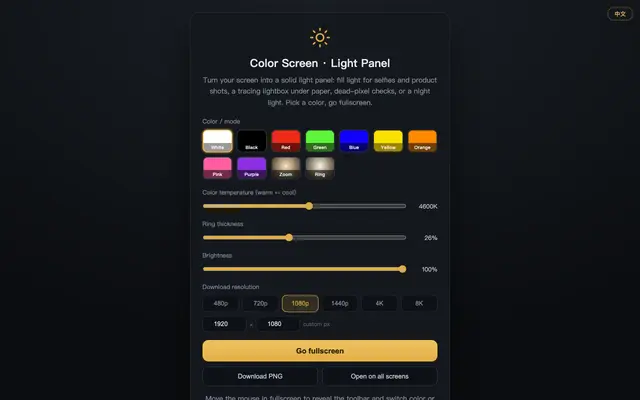 Color Screen · Fill Light Color Screen · Light PanelTurn the whole screen into a lamp — nine colors to pick from.
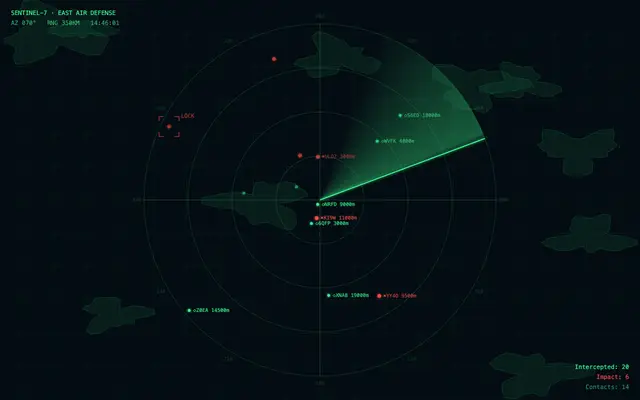 Radar Screen Radar ScreenThe sweep line circles, the intercept count climbs — and nothing is actually being scanned.
 Screensaver Five-Pack Screensaver PackThat DVD logo the whole internet waits on — now it finally counts your corner hits.
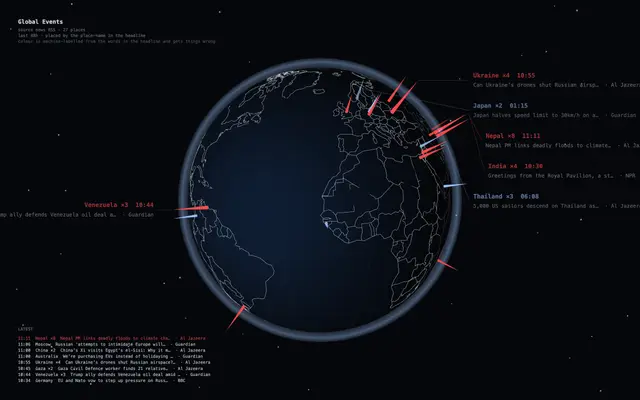 Global Events Global EventsA turning globe. Two days of world news stand on the map, placed by the place-name in the headline — the busier a place, the taller its spike. Click one to read the story.
 In a Meeting Busy in MeetingA screen full of meetings — who’d dare pull you into work.
 System Updating Updating…27% · Don’t turn off — this one runs two hours.