 libreAdamlibreAdam

Screensaver Pack
屏保五件套
That DVD logo the whole internet waits on — now it finally counts your corner hits.
Open it →What is it
Five classic big-screen savers in one pack: ① the bouncing DVD logo, changing color on every wall hit and flashing white with a counter when it nails a corner — the moment the internet has waited twenty years for, finally tallied; ② a flip clock with real card-flip animation, 12/24-hour and light/dark; ③ a rotating carousel of famous quotes; ④ TV color bars with a slowly drifting NO SIGNAL plate; ⑤ Matrix code rain. Arrow keys switch between them in fullscreen.
Highlights
- Bouncing DVD: color change on wall hits + corner flash + corner-hit counter
- Flip clock: real card-flip animation, 12/24-hour + light/dark
- No-signal color bars + drifting plate; Matrix code rain with adjustable speed
- Arrow keys switch savers in fullscreen; each has its own URL
How to use
- The page opens on the DVD bounce; the gear in the bottom-right corner opens the settings panel.
- Under Pick one, choose DVD Bounce, Flip Clock, Quotes, No Signal or Matrix.
- Adjust the options for that saver: DVD and Matrix have four speeds, the flip clock offers 24-hour, 12-hour or hide seconds, and the clock and quotes have a light or dark background.
- Press Go fullscreen to start.
- In fullscreen, press ← or → to move to the next saver; its name appears briefly at the bottom of the screen.
- Press Esc or triple-tap the top-left corner to exit back to the settings panel.
When to use it
DVD Bounce is the idle screen of old DVD players: the logo changes color each time it hits an edge, and when it lands exactly in a corner the screen flashes white and a corner count appears. There are four speeds (slow, normal, fast, turbo); higher speeds bring more corner hits.
The flip clock animates each digit as a card folding down, with the date and weekday on a line below and AM or PM shown in 12-hour mode. On a desk monitor or an old tablet by the bed, it works as a large clock.
Quotes fades in a new line every 11 seconds from a set of 12, mostly about programming and design, from people such as Alan Kay, Donald Knuth and Kent Beck; each appears in the interface language.
No Signal shows TV color bars with light static and a NO SIGNAL label that drifts slowly. Matrix shows green characters falling down the screen at an adjustable speed. Both work as a holding screen before a live stream starts or on a background display in a video.
Questions
- Does it start automatically when my computer is idle, like a system screensaver?
- No. It is a web page that you open and put in fullscreen yourself. Your computer's own screensaver and sleep settings still apply, so to keep it on screen, turn off the system screensaver or lengthen the idle time.
- I changed a setting but nothing happened.
- Changes such as picking a different saver or clock format are applied when you press Go fullscreen, which restarts with the new settings.
- Is the corner count saved?
- No. Each time DVD Bounce starts, the logo's position and direction are random and the count starts from zero.
- Can I open one saver directly?
- Yes. Add ?s=flip to the address, or dvd, quote, bars or matrix; add &dark=1 for the dark background.
- How do I switch savers on a phone?
- Phones have no arrow keys, so tap the gear in the bottom-right corner, pick another saver and press Go fullscreen.
- Can leaving it on cause burn-in?
- The DVD logo, the Matrix rain and the drifting NO SIGNAL label keep moving. The flip clock's digits, the color bars and the quote area stay in fixed positions, and showing them on an OLED screen for many hours in a row can cause burn-in, so exit when you are done.
Related
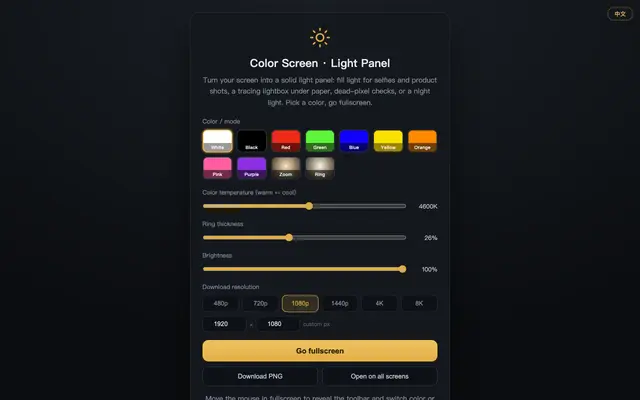 Color Screen · Fill Light Color Screen · Light PanelTurn the whole screen into a lamp — nine colors to pick from.
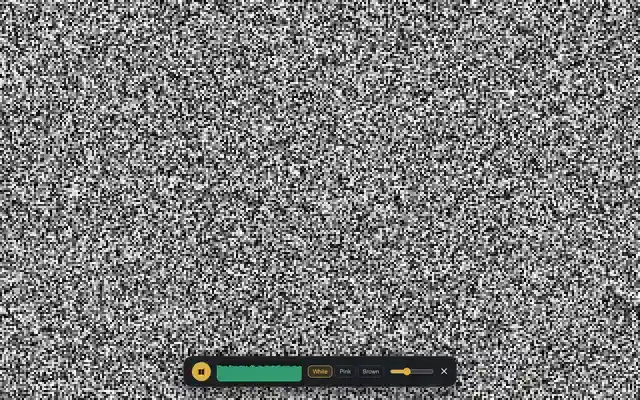 White Noise Screen White Noise ScreenA screen full of static and a steady hiss — enough to bury an open-plan office.
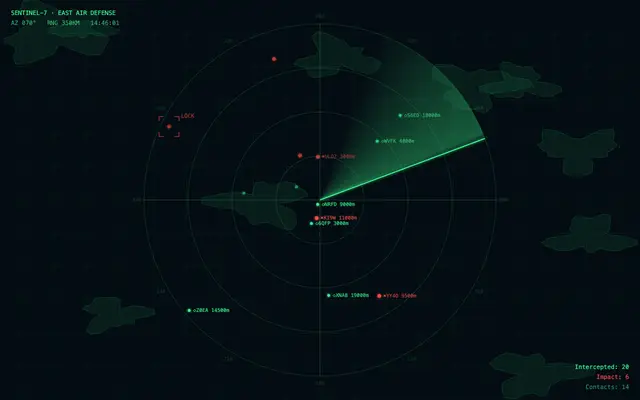 Radar Screen Radar ScreenThe sweep line circles, the intercept count climbs — and nothing is actually being scanned.
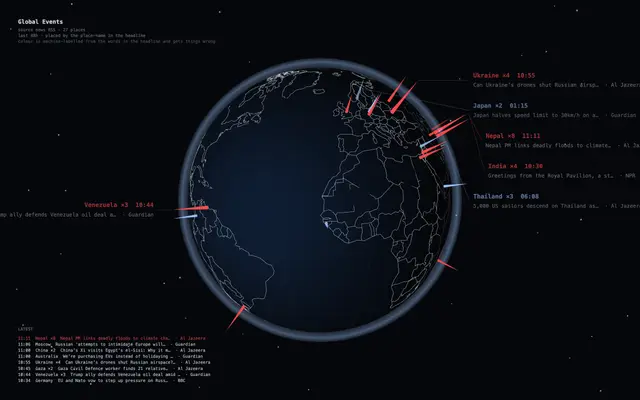 Global Events Global EventsA turning globe. Two days of world news stand on the map, placed by the place-name in the headline — the busier a place, the taller its spike. Click one to read the story.
 In a Meeting Busy in MeetingA screen full of meetings — who’d dare pull you into work.
 System Updating Updating…27% · Don’t turn off — this one runs two hours.