 libreAdamlibreAdam
Color Screen · Light Panel
纯色屏 · 补光灯
Turn the whole screen into a lamp — nine colors to pick from.
Open it →What is it
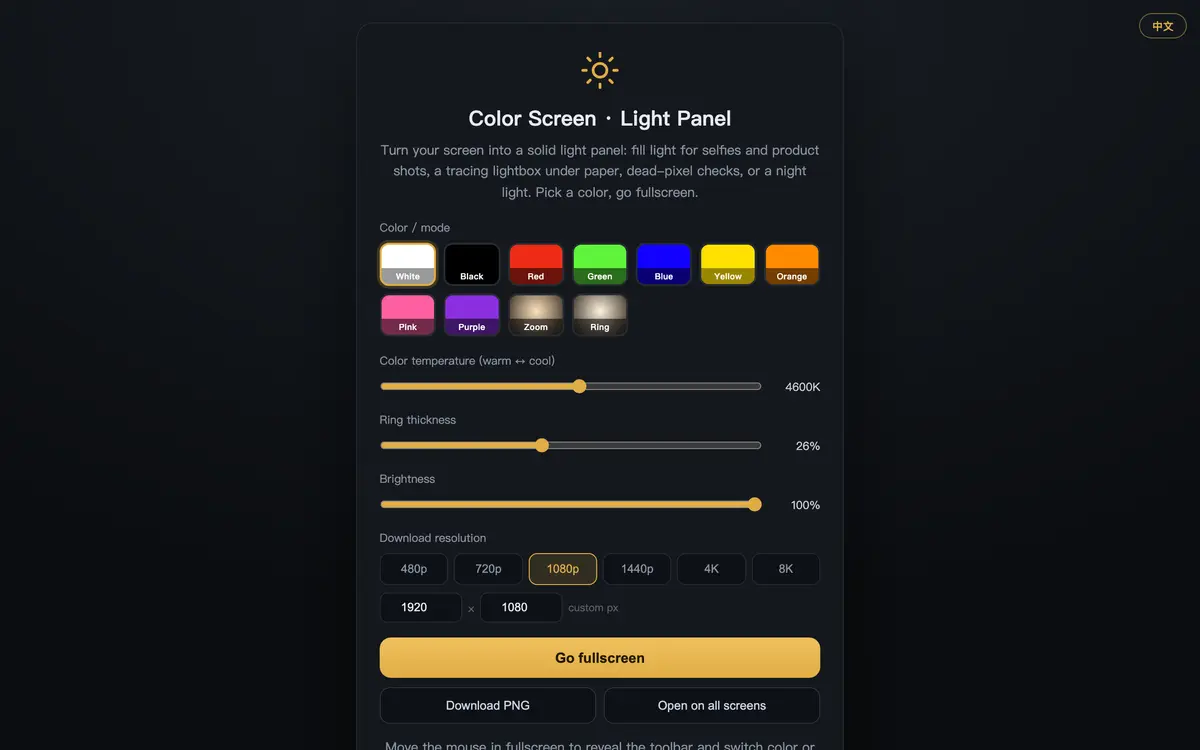
Open it and the whole screen becomes one solid block of light. Nine colors — white, black, red, green, blue, yellow, orange, pink, purple — plus two lamps meant for faces: a video fill light (adjustable 2200K–6800K so you don’t look jaundiced on calls) and a ring light (dark centre, glowing edges, ideal for selfies). Brightness adjusts on the fly, and moving the mouse in fullscreen switches colors. You can also download any color as an image from 480p up to 8K, or light up every connected display at once.
Highlights
- 9 solid colors + video fill light (adjustable color temperature) + ring light
- Live brightness control; move the mouse in fullscreen to change color
- Download as PNG at 480p–8K or a custom pixel size
- Light up multiple displays in one tap; every color has its own URL
How to use
- The page opens straight to a full screen of white light; the gear in the bottom-right corner opens the settings panel, where you pick a color or mode.
- Choosing Zoom or Ring adds a color-temperature slider (2200K–6800K), and Ring also adds a ring-thickness slider.
- Drag the brightness slider to dim the light, then press Go fullscreen to hide the browser frame.
- In fullscreen, move the mouse or tap the screen to bring up the toolbar at the bottom, where you can change color and brightness; it hides again after a couple of seconds.
- To save an image, choose a size from 480p to 8K or enter custom pixels in the panel, then press Download PNG.
- Press Esc, tap the ✕ on the toolbar, or triple-tap the top-left corner to exit back to the settings panel.
When to use it
For video calls and streams, place a spare monitor or tablet in front of you and off to one side, then choose Zoom mode. Lower values on the temperature slider look like indoor bulbs and higher values look like daylight, so match it to the other light in the room.
Ring mode leaves the center black and lights a circle around it. With a phone or tablet in front of you for selfies, it gives a round catchlight in the eyes. Thickness ranges from 10% to 48%; a thicker ring gives more light.
Laid flat, a white screen works as a tracing lightbox: put paper over a tablet and the drawing underneath shows through. For small product photos, a colored screen can serve as a backdrop or side light.
To check a display for stuck or dead pixels, go fullscreen and step through black, white, red, green and blue, looking for dots that stay lit or stay dark. In a dark room, orange or red at low brightness works as a night light.
With several monitors connected, Open on all screens lights every display at once, for lighting from a wall of screens or checking them all together.
Questions
- It is still not bright enough at 100%.
- The brightness slider dims the color by laying black over it, so it can only make things darker than your display's own maximum. For the most light, turn the system brightness on your phone or computer all the way up, then set the slider to 100%.
- How does Open on all screens work?
- In browsers that support the multi-screen window API, such as recent Chrome and Edge, it asks for permission and then opens a window sized to each of your other screens. If you decline or the browser does not support it, it opens one extra window that you drag to the other screen yourself. If a pop-up blocker stops it, allow pop-ups for the site first.
- What does the downloaded image contain?
- It is the current color, brightness and mode drawn as a PNG at the size you chose, up to 8192 pixels per side. In Ring mode it is a lit ring on black. The file name includes the color and size, such as red-screen-1920x1080.png, so it can be used as a wallpaper or a plain background in a design.
- Can I link straight to one color?
- Yes. Add ?c= followed by a color name (white, black, red, green, blue, yellow, orange, pink, purple, zoom or ring) to the address and the page opens in that color; b= sets brightness and t= sets color temperature. Bookmark it to get the same setup next time.
- Go fullscreen does nothing on my phone.
- Some phone browsers, Safari on iPhone in particular, do not let web pages enter fullscreen. The color still fills the browser window with the address bar visible; holding the phone sideways gives a larger lit area.
- The screen turns off after a while.
- The page does not stop your device from sleeping. Before using it as a light for a long time, lengthen or turn off the auto-lock or display-sleep setting, and keep a phone plugged in. Leaving one solid color on an OLED screen for many hours carries a risk of burn-in, so exit when you are not using it.
Related
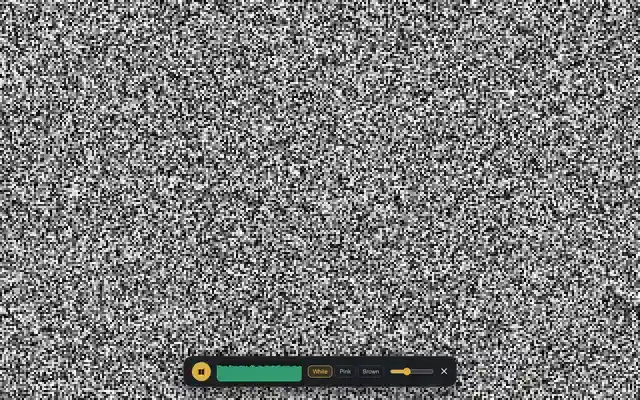 White Noise Screen White Noise ScreenA screen full of static and a steady hiss — enough to bury an open-plan office.
 Radar Screen Radar ScreenThe sweep line circles, the intercept count climbs — and nothing is actually being scanned.
 Screensaver Five-Pack Screensaver PackThat DVD logo the whole internet waits on — now it finally counts your corner hits.
 Global Events Global EventsA turning globe. Two days of world news stand on the map, placed by the place-name in the headline — the busier a place, the taller its spike. Click one to read the story.
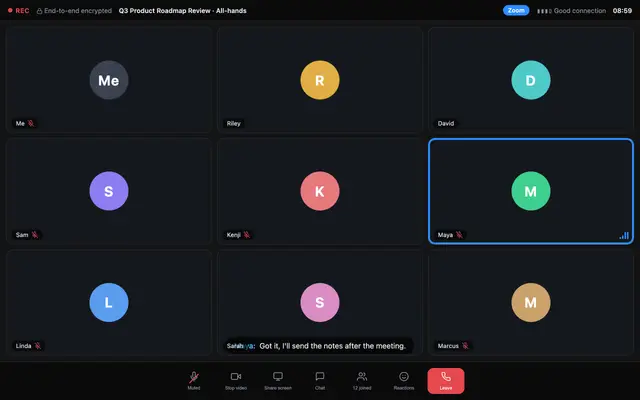 In a Meeting Busy in MeetingA screen full of meetings — who’d dare pull you into work.
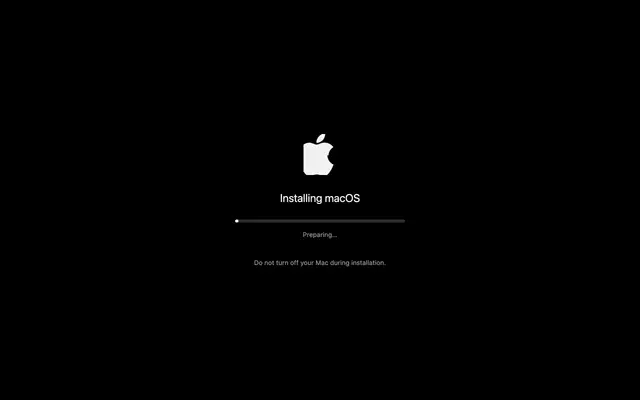 System Updating Updating…27% · Don’t turn off — this one runs two hours.