 libreAdamlibreAdam
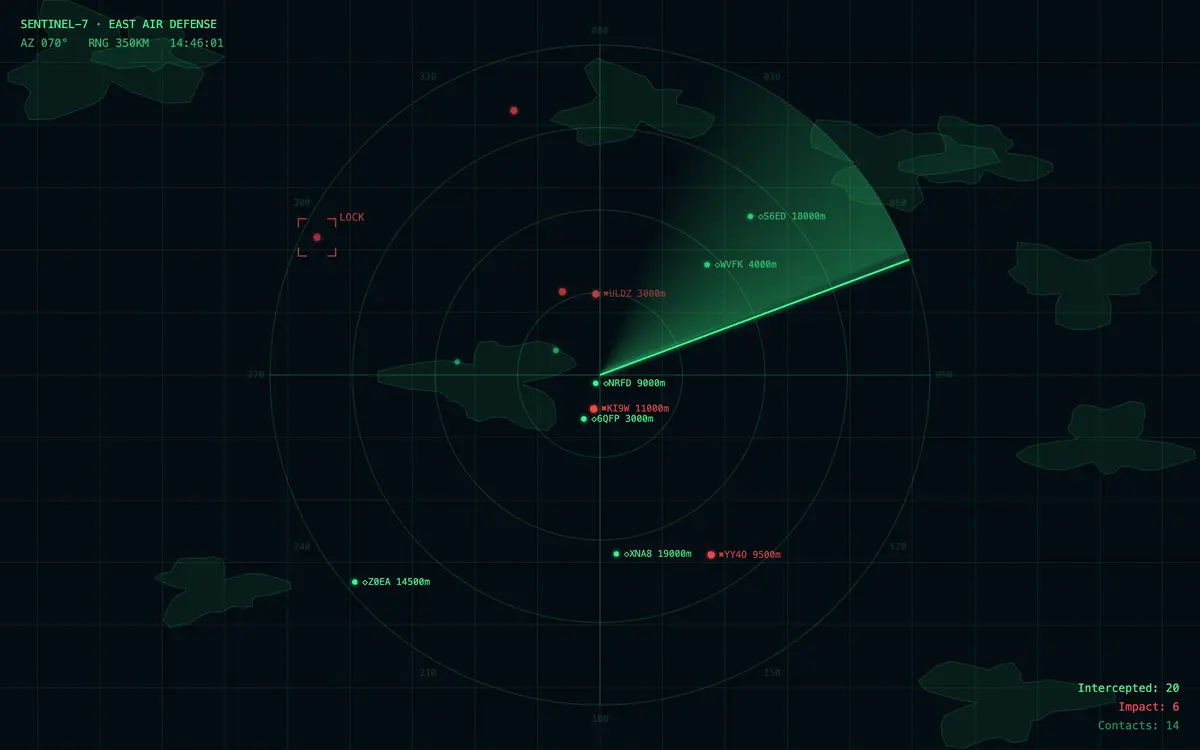
Radar Screen
作战雷达屏
The sweep line circles, the intercept count climbs — and nothing is actually being scanned.
Open it →What is it
A military radar display that never stops working: the sweep line circles, blips light up only as it passes and then fade, hostiles pop corner lock brackets, and the “intercepted / hits / contacts” counters in the top right keep climbing. The coastline underneath is procedurally generated, so it’s different every time you open it. Put it on a second monitor and you’re a command centre; it also makes good video footage. It detects nothing whatsoever — pure bluff.
Highlights
- Sweep line with a conical trail — blips light only on contact, like the real thing
- Friend-or-foe marking, corner LOCK brackets, drifting tracks
- Four palettes — military green / amber / cold blue / alert red — with a customizable station callsign
- Procedurally generated coastline underlay, different every time
How to use
- The radar starts sweeping as soon as the page opens; the gear in the bottom-right corner opens the settings panel.
- Pick a palette (green, amber, cyan or alert red) and a sweep speed (slow, normal or fast).
- Type the text you want in the top-left corner into Station callsign, up to 34 characters.
- Press Go fullscreen; the new callsign takes effect, the counters start from zero, and a new coastline is drawn.
- Press Esc or triple-tap the top-left corner to exit back to the settings panel.
When to use it
Put it on a second monitor or a wall-mounted TV as a moving display. The picture shows the sweep line, range rings, bearing marks from 000 to 330, the callsign, azimuth and current time in the top left, and Intercepted, Impact and Contacts counts in the bottom right.
It can serve as a backdrop for short videos, escape rooms, murder-mystery games or themed parties. The alert-red palette suits tense scenes, and amber looks like an older monitor. Changing the callsign to your own name or the event name makes the screen specific to the occasion.
This radar does not detect anything. The contacts, friend-or-foe marks, altitudes and intercept counts are generated at random by the program, and the coastline is not a real map; it is redrawn every time the page starts or the window is resized.
Questions
- What do the elements on screen show?
- Dots in the palette color are friendly contacts and red ones are hostile. A dot lights up only when the sweep line passes over it, then slowly fades. While lit it shows a four-character ID and an altitude in metres. When the sweep finds a hostile contact, a four-corner lock box with LOCK sometimes appears and the Intercepted count goes up.
- I changed the callsign but nothing changed.
- The callsign is read when you press Go fullscreen, so press it after editing. Palette and sweep speed take effect immediately without a restart.
- Does it make any sound?
- No, it is picture only. If you want sound effects, play them from another source at the same time.
- How do I show it on a TV?
- Connect a computer to the TV with HDMI, drag the window across and press Go fullscreen. You can also cast the browser tab or mirror a phone's screen, or open the address in the TV's own web browser if it has one.
- Can I open it in a particular palette?
- Yes, add ?c=amber to the address, or green, cyan or red.
- Anything to watch for when leaving it on for hours?
- The page does not keep the device awake, so lengthen the display-sleep setting for long sessions. The rings and bearing marks stay in fixed positions, and an OLED screen showing the same image for many hours can burn in, so turn it off when it is not in use.
Related
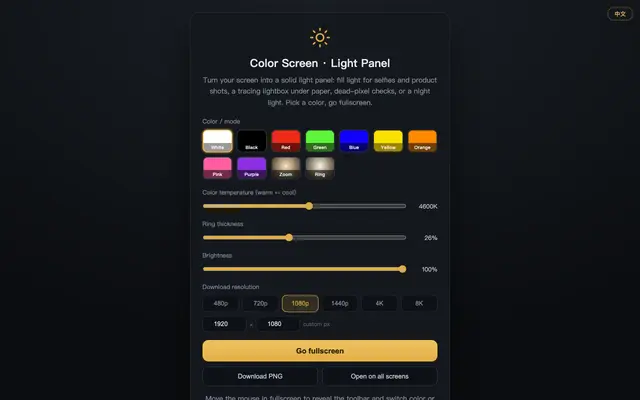 Color Screen · Fill Light Color Screen · Light PanelTurn the whole screen into a lamp — nine colors to pick from.
 White Noise Screen White Noise ScreenA screen full of static and a steady hiss — enough to bury an open-plan office.
 Screensaver Five-Pack Screensaver PackThat DVD logo the whole internet waits on — now it finally counts your corner hits.
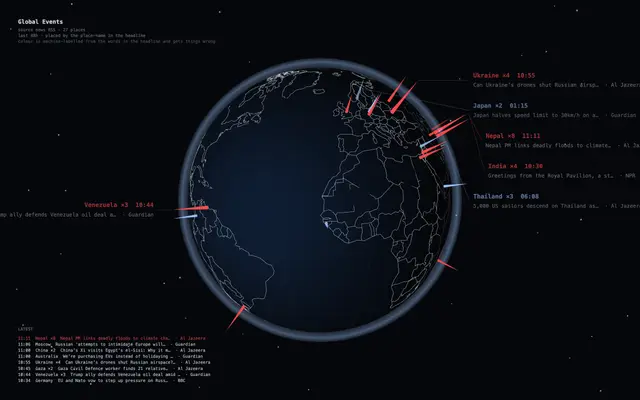 Global Events Global EventsA turning globe. Two days of world news stand on the map, placed by the place-name in the headline — the busier a place, the taller its spike. Click one to read the story.
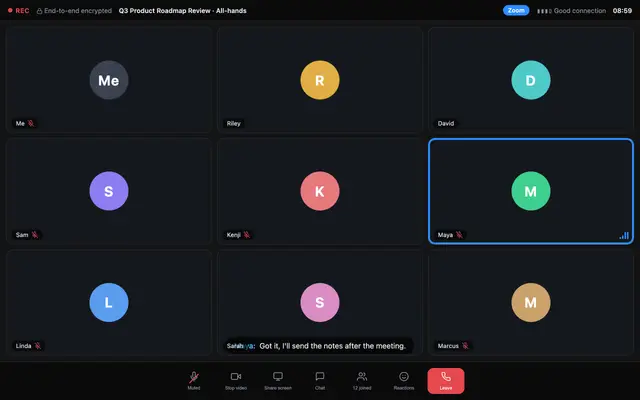 In a Meeting Busy in MeetingA screen full of meetings — who’d dare pull you into work.
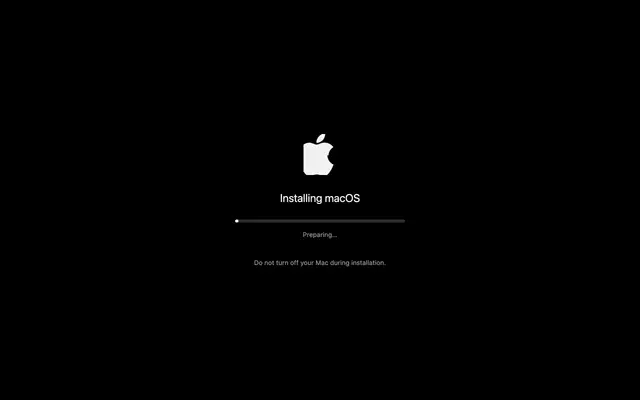 System Updating Updating…27% · Don’t turn off — this one runs two hours.