 libreAdamlibreAdam
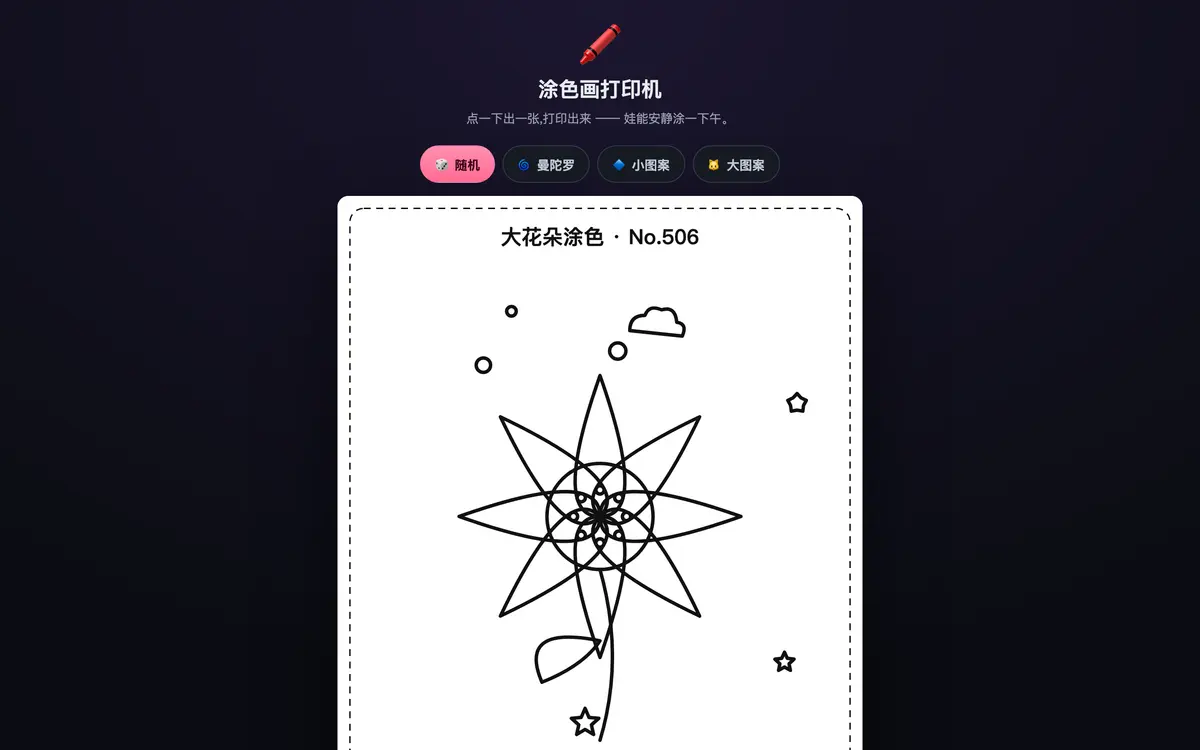
Coloring Page Maker
涂色画打印机
One tap, one page. Print it and the kid colours quietly all afternoon.
Open it →What is it
An “unlimited” coloring-page printer for kids. Each tap procedurally generates a brand-new black-and-white line drawing — mandalas, small patterned grids, or big animals and objects (cat, fish, butterfly, rocket, house, sun…) — cycling through three styles at random, never the same page twice. Choose “toddler (thick lines)” or “big kid (finer detail)” to set difficulty, print to A4 in one tap, hand over the crayons, and quietly burn off an afternoon of energy. Print as many as you like.
Highlights
- One tap generates at random — endless patterns, never repeating
- Three styles: mandala / patterned grid / big animals and objects
- Two difficulty levels: thick lines for toddlers / finer detail for big kids
- One-tap A4 printing, as many as you like
How to use
- Open Coloring Page Maker; a black-and-white line drawing is already generated on the page.
- Pick a style at the top: Random, Mandala, Small patterns (a grid) or Big picture (an animal or object).
- Below the drawing, choose the level: thick lines for little kids or finer detail for older kids.
- Tap the change button for a new page; every tap draws a different one.
- Tap Print and pick a printer in the print dialog; only the sheet itself is printed, laid out on A4 portrait.
When to use it
Coloring Page Maker draws a new line drawing each time instead of choosing from a fixed set, so you can print as many as you want without repeats. It is handy for printing a few pages at home, in a classroom, or before going out, to go with crayons or markers.
The three styles look quite different. Mandala is rings of symmetrical patterns. Small patterns is a grid of tiles with circles, flowers, stars, suns, hearts, spirals, dots and pinwheels. Big picture is one large subject, such as a cat, fish, butterfly, flower, rocket, house, sun, ice cream, turtle, car, star or balloons, with small stars and clouds around it.
The level mainly changes line weight and density. The little-kids setting uses thicker lines and a 3×4 grid of 12 tiles in Small patterns, so each area to color is larger. The older-kids setting uses thinner lines, a 4×5 grid of 20 tiles, and denser mandalas. Switching the level also generates a new page.
Each sheet has a title and a three-digit number at the top, a short line for the child at the bottom, and a dashed border around it. What prints is exactly the sheet shown on screen.
Questions
- What paper size does it print on?
- The page is set to A4 portrait with 10 mm margins, and the buttons and heading are not printed. If your printer uses a different paper size, choose that size or a fit-to-page option in the print dialog.
- Can I use it without a printer?
- Yes. After tapping Print, most browsers offer a Save as PDF option in the print dialog, so you can save the page and print it later.
- Can I get back a page I liked?
- Pages are generated at random, so once you tap for a new one the previous page is gone. Print it or save it as a PDF before moving on.
- Do I need to log in?
- No. It works right away on a computer, tablet or phone, both for generating and printing.
- What language are the interface and the sheets in?
- At the moment the buttons and the title and caption on each sheet are in Chinese. The drawings themselves contain no text, so they can be colored by anyone.
- What age is it suitable for?
- Children just starting with crayons do better with the little-kids setting, which has thick lines and larger areas. Children who can stay inside thinner lines can switch to the older-kids setting or try the mandalas.
Related
 Endless Runway Everything RunwaySet a toy on the screen and the ground rushes backward — it really is running.
 Flip Postcard Flip PostcardPiece a picture together, then watch it flip over like a playing card — the back is a note written to you.
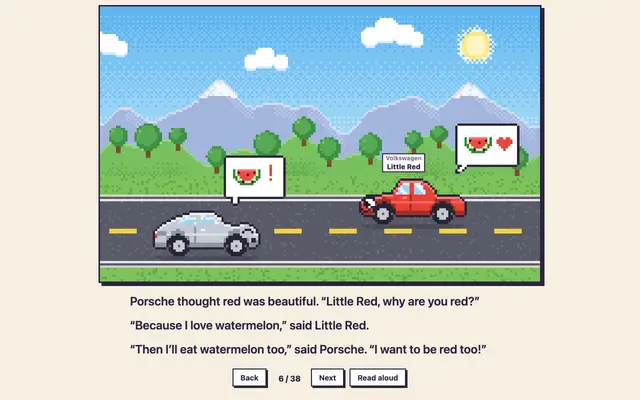 Pixel Picture Books Pixel Picture BooksPixel-art picture books drawn in code. Book one: Why Is the Porsche Orange?