 libreAdamlibreAdam
Everything Runway
万物跑道
Set a toy on the screen and the ground rushes backward — it really is running.
Open it →What is it
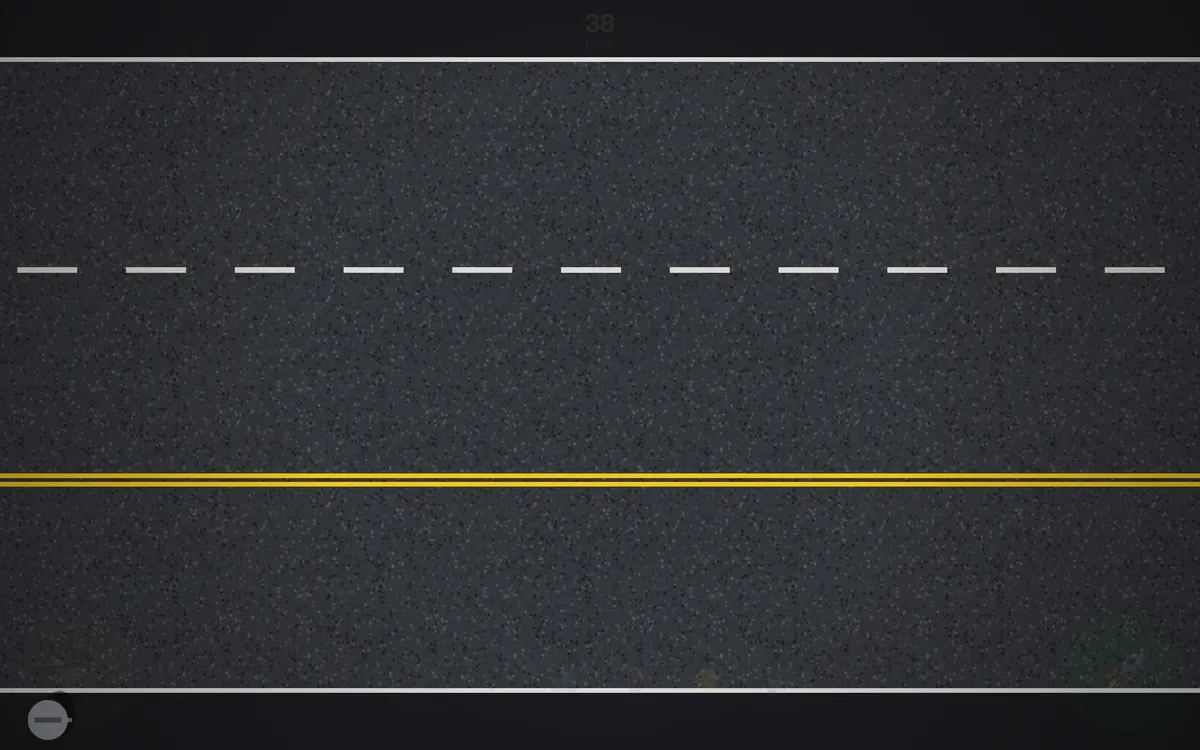
A very simple trick for small kids: lay the tablet flat on the table, put a road rushing backward on the screen, and set a real toy car on top — it starts running. No AR, no recognition, no camera; just the plainest illusion there is, ground moving while the car stays put. Kids will stare at it for ages. Five surfaces to switch between: asphalt highway, clattering railway, choppy sea, airport runway, and a rocket launch climbing through cloud. Each comes with its own ambient sound, and the speed is adjustable. The road is the busiest one: manhole covers, painted arrows and speed numbers, signs on the shoulder — and crossings, where a red light brings the road to a stop by itself and green sets it going again. Other cars and roadwork cones show up too, so the toy in your hand has something to dodge. The traffic follows the rules of a real road: oncoming cars stay on the far side of the double yellow, same-direction cars queue up single file instead of running abreast, they merge early for roadworks, and they stop properly behind the line at a red. While you wait at that red, the cross traffic is going through the junction. There is always a lane left open — the road never seals itself shut.
Highlights
- Five surfaces: car / train / boat / plane / rocket
- The road carries manhole covers, painted markings and roadside signs — all drawn to toy-car scale
- Crossings with real signals: a red light brakes the road to a halt, green starts it again (can be switched off)
- Traffic that behaves: an oncoming lane, no rear-ending, early merges at roadworks, queueing at a red
- While you wait at a red, the cross traffic goes through the junction and clears before green
- Optional traffic and roadwork cones: the finger holding the toy touching one sets off a horn and a red flash — a little dodging game
- Adjustable ground-scroll speed with matching ambient sound
- No camera, no recognition — just set a real toy on top and it works
- Triple-tap the top-left corner to exit
How to use
- Lay a tablet flat on a table, turn the brightness up and open Everything Runway; the road starts scrolling right away.
- Tap the gear in the bottom-right corner to open the settings panel and pick Road, Rail, Sea, Air or Rocket without leaving the screen.
- Put the matching toy, such as a toy car, train, boat, plane or rocket, on the road in the middle of the screen.
- Hold 🚀 at the bottom right to speed up and 🐢 at the bottom left to slow down. On a keyboard, ↑ or Space speeds up and ↓ slows down.
- When you are done, tap the top-left corner three times to exit, or press Esc on a keyboard.
When to use it
Everything Runway relies on a simple illusion: the ground moves and the toy stays still. There is no camera and no recognition, only a road rushing backward on the screen, so a real toy placed on it looks like it is driving. It works best on a tablet lying flat; a phone also works, with a smaller road.
The road mode has the most detail: manhole covers, painted arrows and speed limits, roadside signs, and intersections. At a red light the road brakes to a stop by itself and moves again on green. Other cars follow real traffic rules: oncoming traffic stays on the far side of the double yellow line, cars in your direction queue in a single line, merge early before roadworks, and wait behind the stop line at red lights.
Traffic and cones can be played as a dodging game. If the finger holding the toy touches another car or a cone, it honks and the edges of the screen flash red. There is always one lane left open, so the road never gets fully blocked. To turn these off, use 🚙 at the bottom for traffic and 🚦 for traffic lights; both settings are remembered.
The other modes each have their own look and sound: clacking rails for the train, breaking waves for the boat, a runway and clouds for the plane, and for the rocket a launch tower where it waits until you speed up and climb through the clouds into space. The next time you open the page, it starts in the mode you used last.
Questions
- Do I need to log in or install anything?
- No. It runs in the browser on a computer, tablet or phone.
- Why is there no sound?
- Browsers wait for a tap or key press before playing audio, so press the gas once. If the speaker button in the middle row shows 🔈, sound is off; tap it to turn it back on.
- What do the small buttons in the middle do?
- ➖ and ➕ change the road width (Road and Rail only; [ and ] on a keyboard). 🚙 toggles traffic and 🚦 toggles traffic lights (Road only). 😌 is the gentle mode, on by default, with a narrower, slower road and no speed streaks; tap it to switch to 💨 for full speed. 🔊 toggles sound.
- Where did the buttons go?
- After three seconds without input the controls fade out to keep the picture clear. Tap the screen or press any key to bring them back.
- How do I go fullscreen, and will the screen turn off?
- The settings panel has a Go fullscreen button. While running, the page asks the browser to keep the screen awake; browsers that support this will not dim the screen. If yours does not, set a longer auto-lock time in the device settings.
- What age is it for?
- It is meant for children who like playing with toy cars and trains; the child only needs to place the toy and hold it. An adult can handle the gas and brake, and older children can press them on their own or play the dodging game.
Related
 Coloring Page Printer Coloring Page MakerOne tap, one page. Print it and the kid colours quietly all afternoon.
 Flip Postcard Flip PostcardPiece a picture together, then watch it flip over like a playing card — the back is a note written to you.
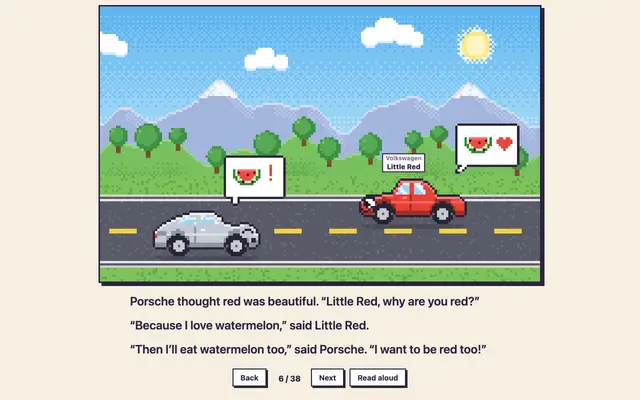 Pixel Picture Books Pixel Picture BooksPixel-art picture books drawn in code. Book one: Why Is the Porsche Orange?