 libreAdamlibreAdam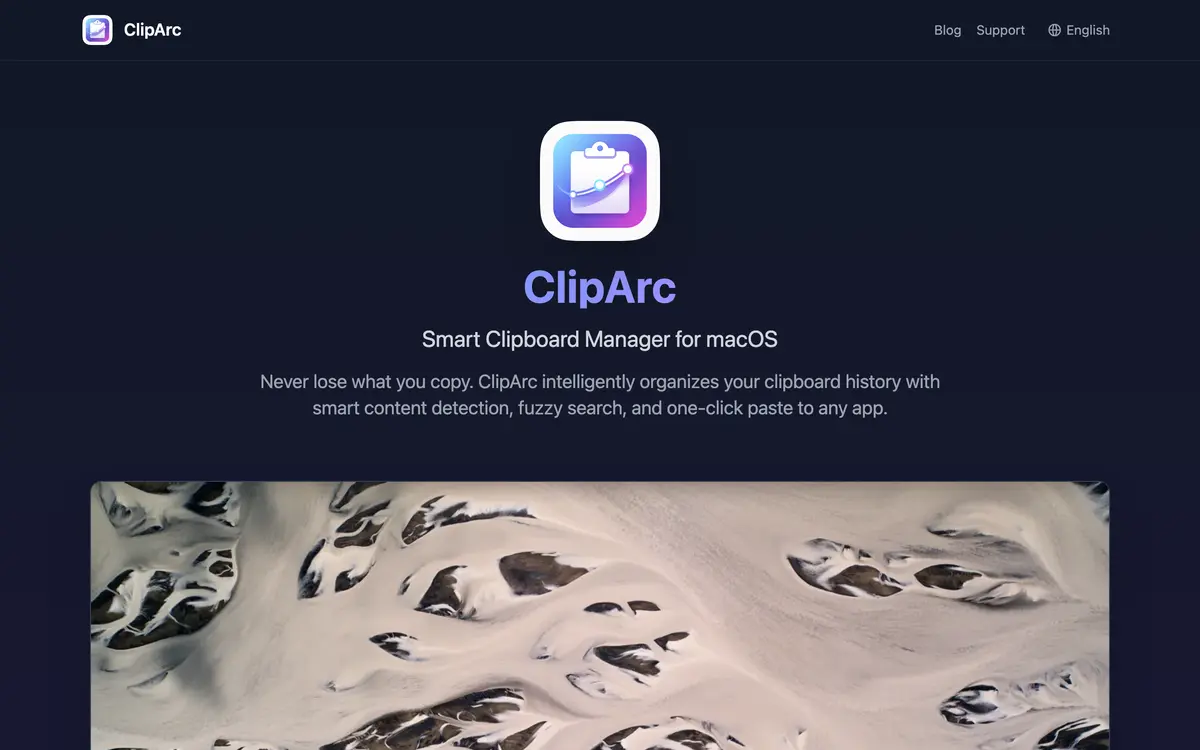
Actually UsefulLive
ClipArc
ClipArc 剪贴板
Never lose what you copied — hit Cmd+Shift+V and it’s all still there.
Visit the site →What is it
A clipboard history tool for macOS. Everything you copy sticks around: press Cmd+Shift+V in any app to pull up the history and paste an item straight into the window you’re in — or have it only put the item back on the clipboard, or ask you each time. It works out what each item is on its own, sorting text, URLs, images, code, colours, emails, phone numbers, JSON and files into 10+ types; search is fuzzy with relevance scoring, so a half-remembered phrase still finds it; new screenshots get filed into the history automatically. No account needed. The interface ships in 13 languages, and it’s a free App Store download.
Highlights
- Press Cmd+Shift+V in any app, pick an item, paste it straight in
- Sorted into 10+ types on its own: text, URLs, images, code, colours, emails, JSON, files
- Fuzzy search with relevance scoring — a half-remembered phrase still finds it
- No account needed; new screenshots filed automatically
Related
 Reader ReaderPublic-domain books shelved by where you are — and your own books fit too.
 GoldNest GoldNestLog a spend in one sentence — and dig out the subscriptions you forgot to cancel.
 BigBro BigBroLocks distracting apps and websites while you focus, with supervisors and study rooms.
 Cloudtown CloudtownAn AI character who lives in a pixel cottage. Chat with it, and it keeps notes for you.