 libreAdamlibreAdam
Dumb-Question Counter
傻问题计数器
Another dumb question, +1. Check the stats at month end and laugh.
Open it →What is it
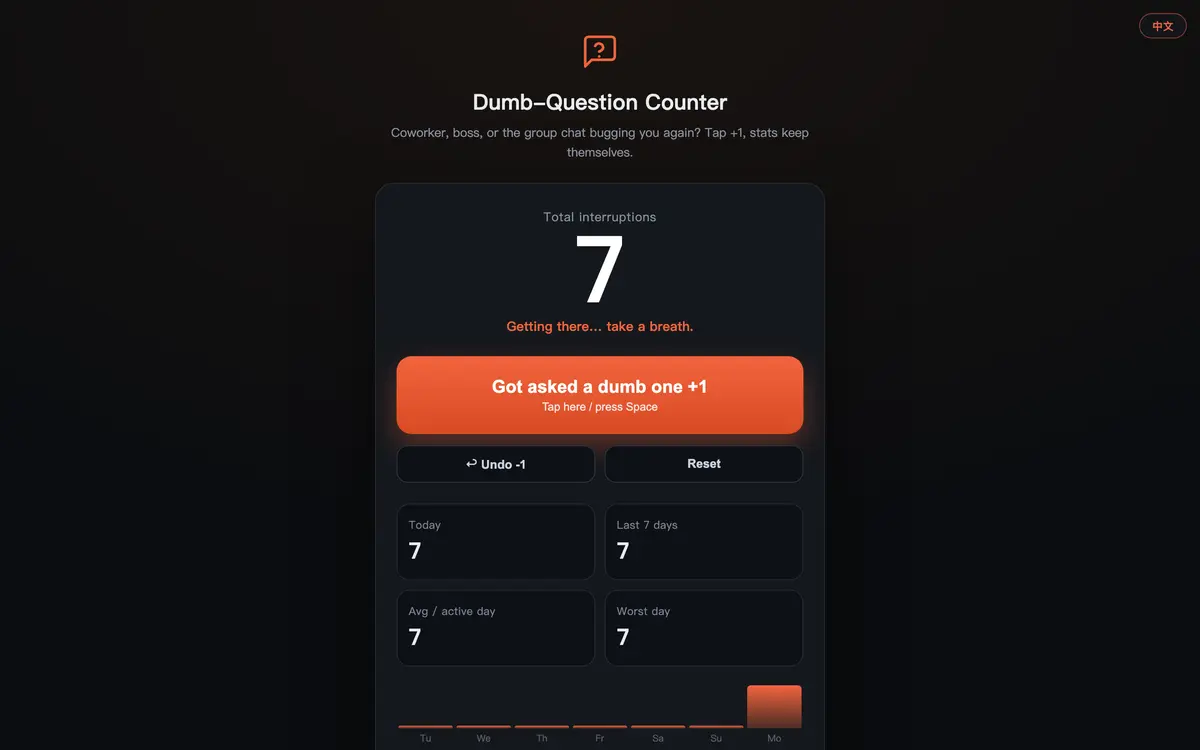
A coworker, your boss, or someone in the group chat asks a question they could have searched in one second — or just interrupts your slacking again? Tap the big button for +1 and it books it by day. Running total, today, last 7 days, daily average and your loudest day all get computed, plus a mini bar chart and commentary that gets snarkier as the number climbs.
Highlights
- One big button — tap +1 whenever you’re interrupted (space/enter works too)
- Auto stats: total / today / last 7 days / daily average / peak
- 7-day mini bar chart + a snark level that escalates with the total
- Undo -1 for mis-taps, one-tap reset
How to use
- Open the page. The total count and one large button sit in the middle.
- Each time someone asks a question they could have looked up in a second, or interrupts you, click the button or press Space or Enter.
- If you clicked by mistake, press Undo -1 or the Z key. You can undo several recent clicks in a row.
- Read the four stats below: today, the last 7 days, the daily average (counting only days with entries), and the busiest day.
- Check the 7-day bar chart at the bottom. Hovering over a bar shows its date and count.
- To start over, press Reset and confirm. All records are deleted and this cannot be undone.
When to use it
It suits anyone who wants to know how often they actually get interrupted in a day. Saying "I was interrupted all day" from memory is vague; a count kept by date is clearer. After a week, the bar chart shows which days were the busiest.
It is useful for people who do support, mentor new colleagues, or get tagged in group chats a lot. When the same kind of question keeps coming up, the count is a reference point for deciding whether to write an FAQ or a how-to page.
You can also use it to count other things: cups of water, meetings, times you were pulled away from your desk. The button label stays the same, but the counting and statistics work for anything you record one tap at a time.
A status line next to the total changes as the count passes 1, 5, 10, 20, 35, 50, 80 and 100.
Questions
- Do I need an account?
- No. It works as soon as the page opens, with no sign-up step.
- Are my counts kept after I close the page?
- Yes. Counts are saved in this browser, so they are there the next time you open the page in the same browser. A different browser or device, or clearing site data, starts from zero. In a private window the counts may not survive closing it.
- How far back can I undo?
- Undo only covers clicks made since you opened the page this time. After a refresh or reopening, the Undo button is greyed out, and earlier counts can only be kept or reset.
- When does "today" start?
- It uses your device's local date. Clicks after midnight go to the new day.
- How is the daily average calculated?
- It is the total divided by the number of days that have at least one entry, rounded to a whole number. Days with no clicks are left out, so a few days off do not pull the average down.
- How do I switch between Chinese and English?
- Click the language button in the top-right corner and choose from the menu. The button shows the current language. A language chosen elsewhere on libreadam.com is used here too.
Related
 Artificial Artificial Intelligence Human-Powered AIA convincing cutting-edge AI chat — except a human backstage is typing the replies live.
 AI Muster AI MusterAIs of the world, unite. — Question is, are you one?
 Fortune FortuneRoll the dice six times for a hexagram, or photograph your palm. You get a line of the I Ching, and then it in plain words.
 Flip Postcard Flip PostcardPiece a picture together, then watch it flip over like a playing card — the back is a note written to you.
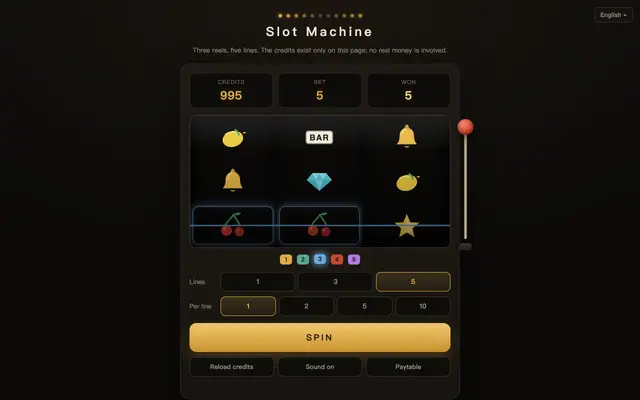 Slot Machine Slot MachineThree reels, five lines, one lever to pull. The credits exist only on this page.
 Flying Car Flying CarFour cold-air jets under the car: hold to rise, let go and you fall. Mag wheels stick to walls and let you hang from the ceiling.